


TESTO SMART APP
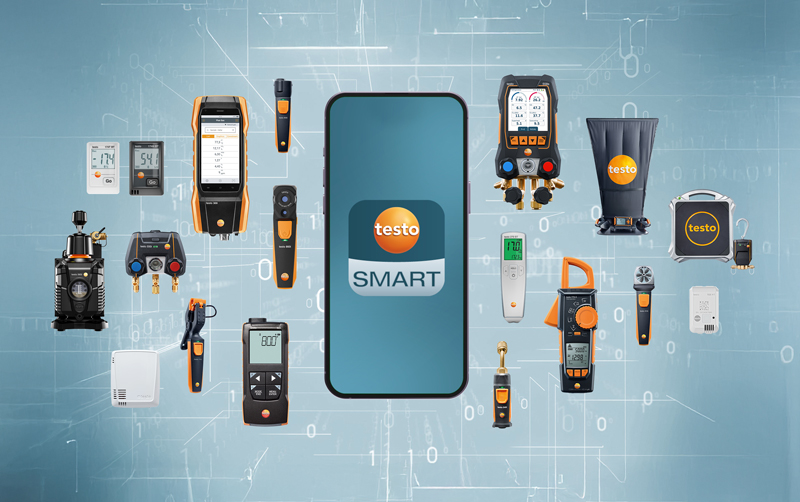
Den kostnadsfria testo Smart-appen kopplar samman kompatibla Testo-instrument med din smartphone eller surfplatta.
Färdiga mätprogram, guidade mätningar, automatiska beräkningar och digital dokumentation förenklar det dagliga arbetet
inom exempelvis ventilation, kyla, livsmedelssäkerhet och klimatövervakning.
Se hur testo Smart App fungerar.
Upptäck hur appen effektiviserar mätningar och dokumentation.
Vad är testo Smart App?
testo Smart App samlar Testos smarta mätinstrument i ett och samma gränssnitt. Via Bluetooth kopplas kompatibla enheter direkt till appen, där användare kan:
- konfigurera instrument och dataloggrar
- läsa av mätvärden i realtid
- få automatiska beräkningar
- guidas genom mätningar
- analysera mätdata
- skapa rapporter
- dokumentera och dela resultat
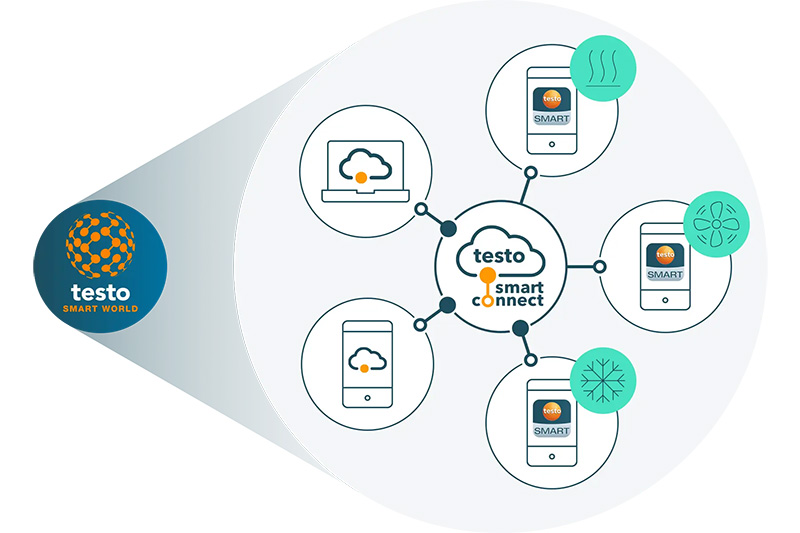
En del av testo Smart Connect
Tillsammans med molntjänsten testo Smart Connect blir appen en del av ett uppkopplat system för digital mätdatahantering. Mätdata synkroniseras automatiskt mellan instrument, app och moln för övervakning, analys och dokumentation – både i mobilen och via webben.
Med appen kan användare genomföra mätningar, analysera resultat och dokumentera arbetet direkt på plats, medan testo Smart Connect samlar all mätdata i molnet för översikt, historik, rapportering och delning mellan användare och team.
Läs mer om testo Smart Connect
Praktiska fördelar med testo Smart-appen.

Anslut med ett klick
Anslut instrumenten med ett klick och låt mätdata synkroniseras automatiskt. Använd mobil eller surfplatta som extra display för att följa och analysera värden i realtid.

Enkel konfigurering
Ställ in mätningar snabbt med färdiga eller egna inställningar. Det användarvänliga gränssnittet sparar tid både vid förberedelser och själva mätningen.
Professionell rapportering
Skapa digitala rapporter med mätdata, bilder och kommentarer direkt i appen. Få tydliga rapporter även för komplexa projekt och dela dem enkelt via e-post.
Intelligent analys
Få snabba och träffsäkra felsökningar med olika mät- och visningslägen, parallella mätningar och fjärrstyrning. Grafer och automatiska beräkningar gör det lätt att upptäcka och förstå fel.
Intuitiva mätprogram
Utför snabba kontroller med stöd från färdiga mätprogram och guidade mätningar. Perfekt för att snabbt få relevant information och fatta rätt beslut på plats.
Ladda ned och testa redan idag
Oavsett om du mäter temperatur, luftflöde, rökgas, fukt eller arbetar med livsmedelssäkerhet kan du styra instrument, läsa av och dokumentera allt direkt i mobilen med den kostnadsfria testo Smart-appen. En PRO-version för avancerade funktioner finns tillgänglig.
Systemkrav: IOS 13.0 eller senare, Android 8.0 eller senare, mobil/surfplatta måste ha Bluetooth 4.0.
Utforska appens applikationsområden.

Kyla
Perfekt för kyltekniker och VVS-installatörer.
Styrning av manometerställ, vakuumpumpar och mätinstrument för temperatur- och tryckmätning.

Några av funktionerna i appen:
- Evakuering
- Täthetsprovning
- Automatisk fyllning av köldmedium
- Differenstemperatur
Exempel på mätinstrument:
testo 560i, testo 565i, testo 558s, testo 552i, testo 115i, SmartProbes
Klimat och lufthastighet
Passar dig som jobbar med ventilation, OVK eller energimätning.
Mätning av luftflöden, tryck och andra klimatparametrar inom ventilation och inneklimat.
Några av funktionerna i appen:
- Luftflöde (kanal, luftflöde och mätstos)
- Flöde pitotrör
- Kyl- och värmeeffekt
- Fuktskaderisk
Exempel på mätinstrument:
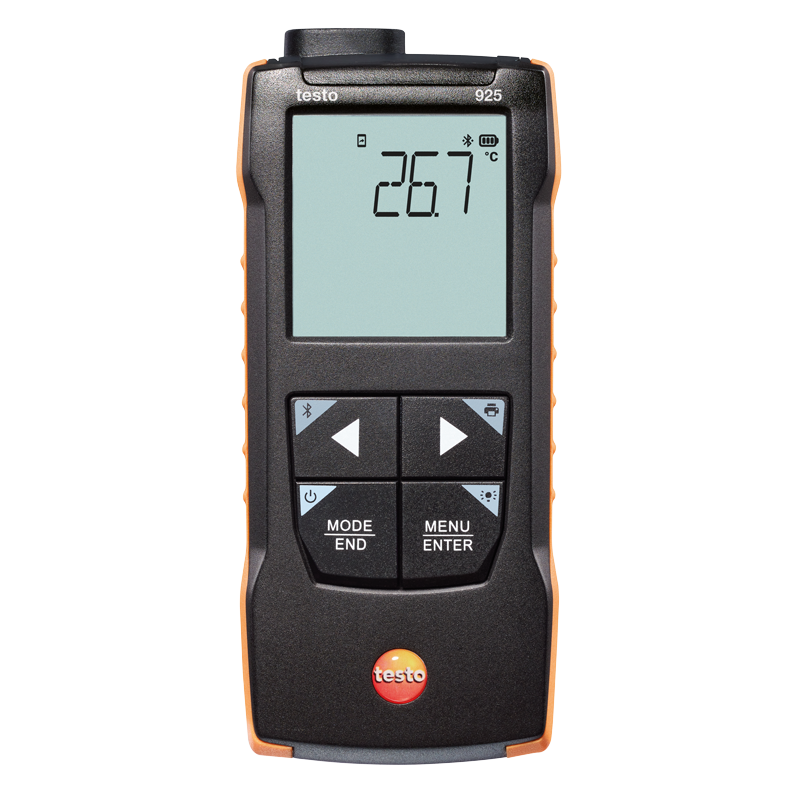
testo 925, testo 922, testo 417, testo 420, SmartProbes

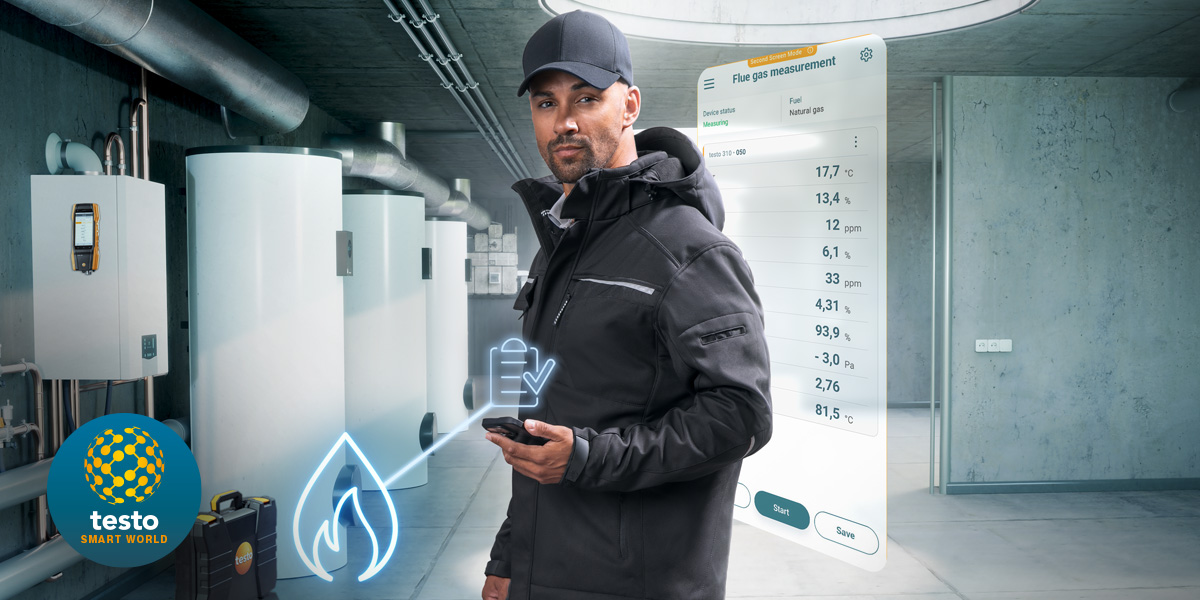
Rökgas
För värme- och energitekniker som vill dokumentera snabbt och säkert.
Rökgasanalyser, förbränningskontroller och service av värmepannor.
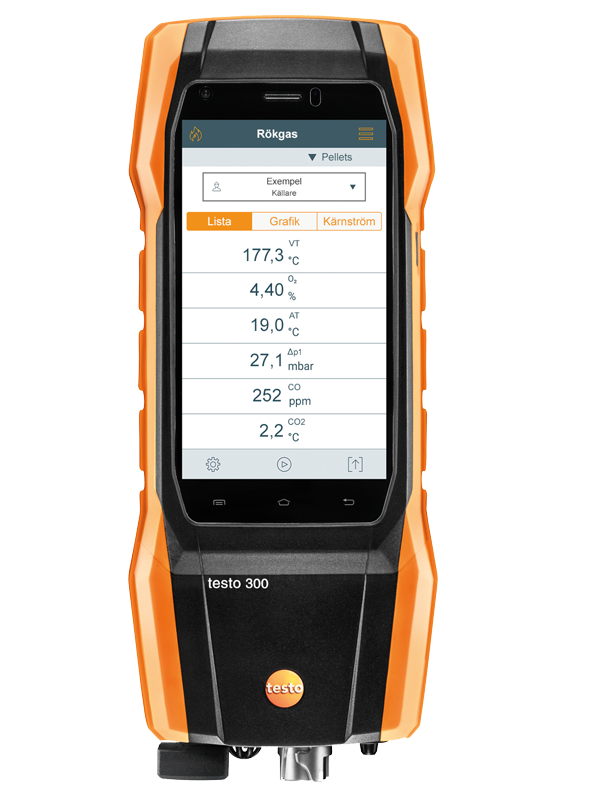
Några av funktionerna i appen:
- Mätning av omgivande CO
- Mätning av drag
- Differenstryck
- Täthetskontroll
- Gastäthetsprovning
Exempel på mätinstrument:
testo 300, SmartProbes

Termografi
För de flesta branscher.
Värmekamera kopplad till mobilen – ta bilder, analysera och dela mätdata direkt.
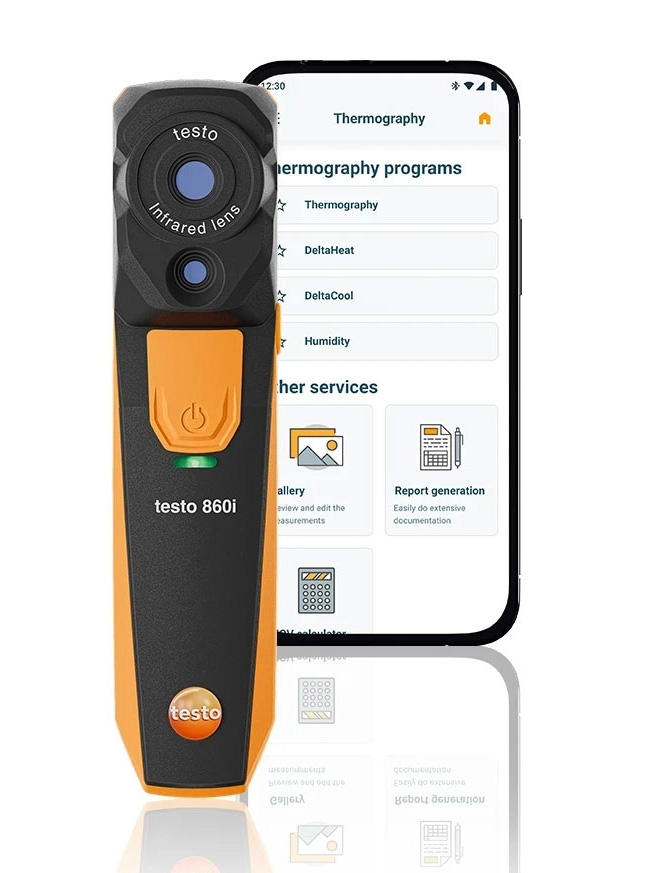
Några av funktionerna i appen:
- Termografi
- DeltaHeat
- DeltaCool
- Fukt
Exempel på mätinstrument:
testo 860i, SmartProbes
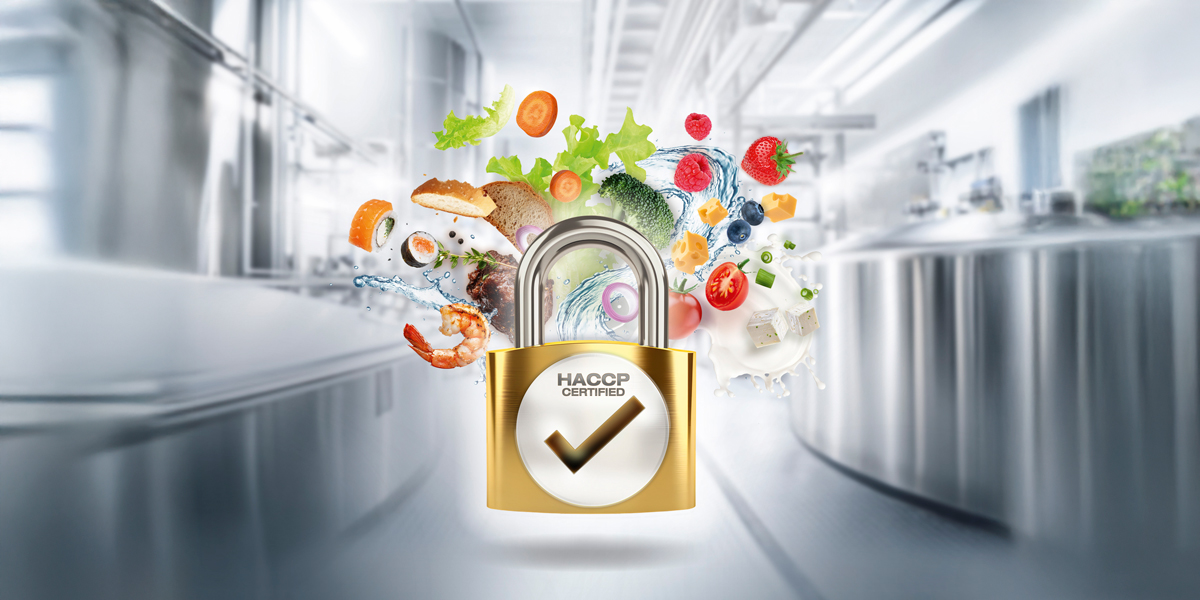
Livsmedelssäkerhet
För livsmedelskontrollanter, butikspersonal och restaurangkök.
Temperaturkontroller, kvalitetsarbete och HACCP-dokumentation.
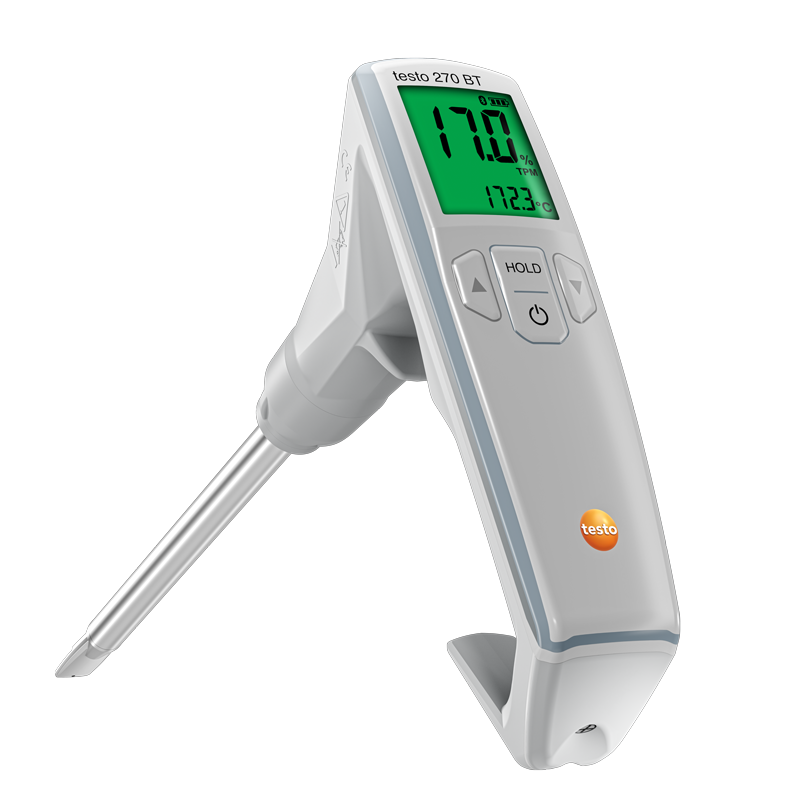
Några av funktionerna i appen:
- Temperaturkontrollpunkter (CP/CCP)
- Frityroljekvalitet
- Rapportgenerator
Exempel på mätinstrument:
testo 270 BT, testo 110 Food, testo 104-IR BT
Dataloggning
För lager, transporter och produktion.
Enkel avläsning och datahantering med dataloggrar.

Några av funktionerna i appen:
- Läs ut och utvärdera data
- Skapa PDF-rapporter med foton och kommentarer
- Guider
Exempel på mätinstrument:
testo 174 BT
Övervakning
För life science, labb, livsmedelsförvaring, lager, kontor och mycket mer.
Kontinuerlig övervakning via molntjänsten testo Smart Connect.

Anpassa efter dina behov
Välj själv vilka instrument och mätområden du vill ha direkt på startsidan för snabb åtkomst i din testo Smart App.


FAQ
testo Smart-appen är en mobilapplikation som ansluter till Bluetooth-aktiverade Testo-instrument, vilket gör det möjligt för användare att utföra mätningar, visa data och generera rapporter direkt i mobilen.
Du hittar alla Testo-instrument som stöds här.
Aktivera Bluetooth på din mobila enhet, slå på ditt Testo-instrument och öppna sedan testo Smart App. Appen kommer automatiskt att upptäcka och ansluta till ditt instrument utan behov av manuell parkoppling.
Basversionen av appen är gratis att ladda ner och använda. Den innehåller ett brett utbud av funktioner. Tillgång till vissa PRO-mätprogram kräver en prenumeration.
PRO-mätprogram är avancerade funktioner i appen som automatiserar mätningar och dokumentation för specifika tillämpningar, såsom luftbalansering och mätning på flera platser. Dessa program är tillgängliga via en prenumerationsmodell.
Uppdateringar finns tillgängliga via Google Play Store, App Store eller App Gallery. Se till att automatiska uppdateringar är aktiverade för att dra nytta av de senaste versionerna.
Mätdata kan sparas som PDF- eller CSV-filer. Du kan inkludera foton och kommentarer i dina rapporter och dela dem via e-post direkt från appen.
De nödvändiga app-behörigheterna har troligtvis inte beviljats. För att göra detta, gå till inställningarna i din telefon eller surfplatta och sök efter testo Smart App, aktivera sedan behörigheter som Bluetooth och Lokalt nätverk.
Beroende på den mobila enheten kan upp till nio instrument anslutas.
Se Testos integritetspolicy.
Nej, appen använder Bluetooth och lagrar sedan datan lokalt på din telefon.