


Published 2026-05-20
Connect the testo 16x data loggers to the cloud service

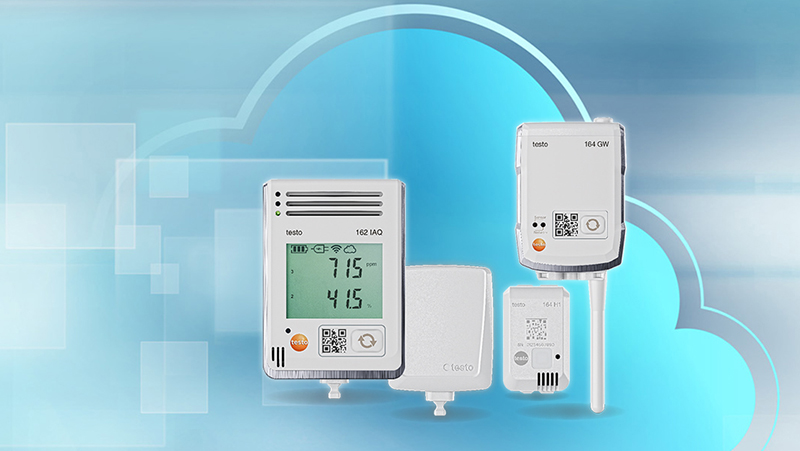
Watch the videos below to see how to install the testo 160, 162, and 164.
If you do not already have an account in the testo Smart Connect cloud service, you can create one here:
Create an account or log in to the cloud service.
The easiest way to connect the data loggers to the cloud service is by using the testo Smart app.
You can download the app here:
testo 160
testo 162
testo 164
Set Up Your Monitoring System
Do you need help configuring your monitoring system after installation? testo Smart Connect includes step-by-step guides that show you how to set alarm limits, create users, and customize the system to meet your business needs.

testo 160 series
Discreet WiFi data loggers for monitoring temperature, humidity, UV or Lux. Thanks to their compact design and the possibility of using decorative covers, the data loggers of the testo 160 series can easily blend into their surroundings.
Explore the 160 loggers
testo 162 series
The WiFi data loggers in the testo 162 series give you full control and flexibility. The system is fully customized to your needs by combining loggers with internal sensors and external transducers. Available in temperature, humidity, pressure and CO₂ models.
Explore the 162 loggers

testo 164 series
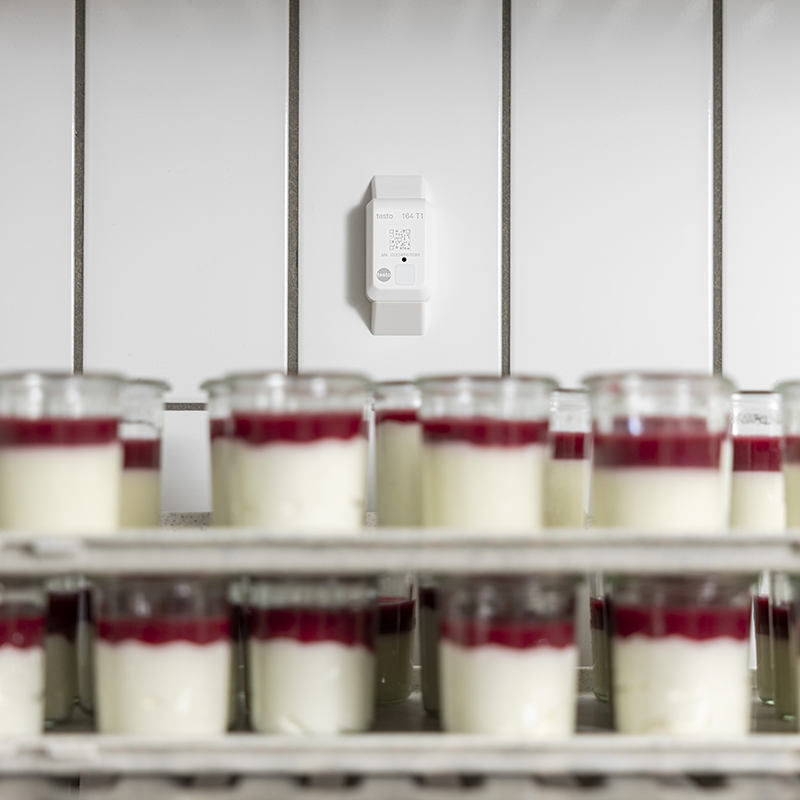
The system consists of two mini data loggers for temperature or humidity and two types of gateways for network connection. The loggers communicate with the gateway via radio signal and can therefore be used even in premises without WiFi. The gateway is available in two variants – with WiFi or Ethernet connection.
Explore the 164 loggers
Contact persons

CUSTOMER SERVICE AND SALES
Mattias Töreskog
Area of responsibility: Technical support, Food, Life Science
mattias.toreskog@nordtec.se
031-704 10 84
031-704 10 70