


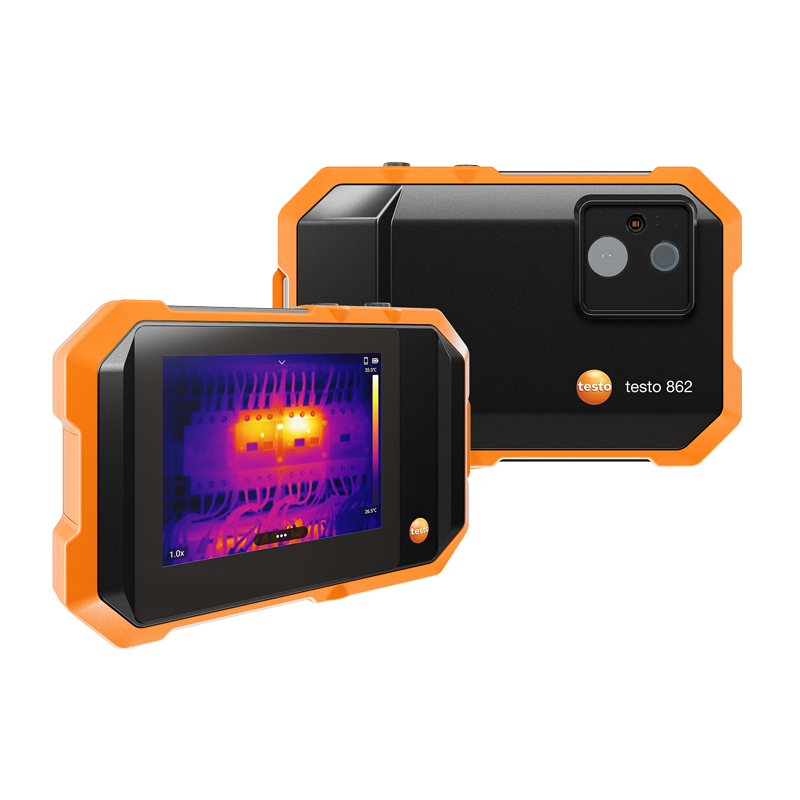
testo 862-2 Moisture Damage Risk Measurement Kit – Thermal Imager with Moisture Sensor | 256 x 192 pixels
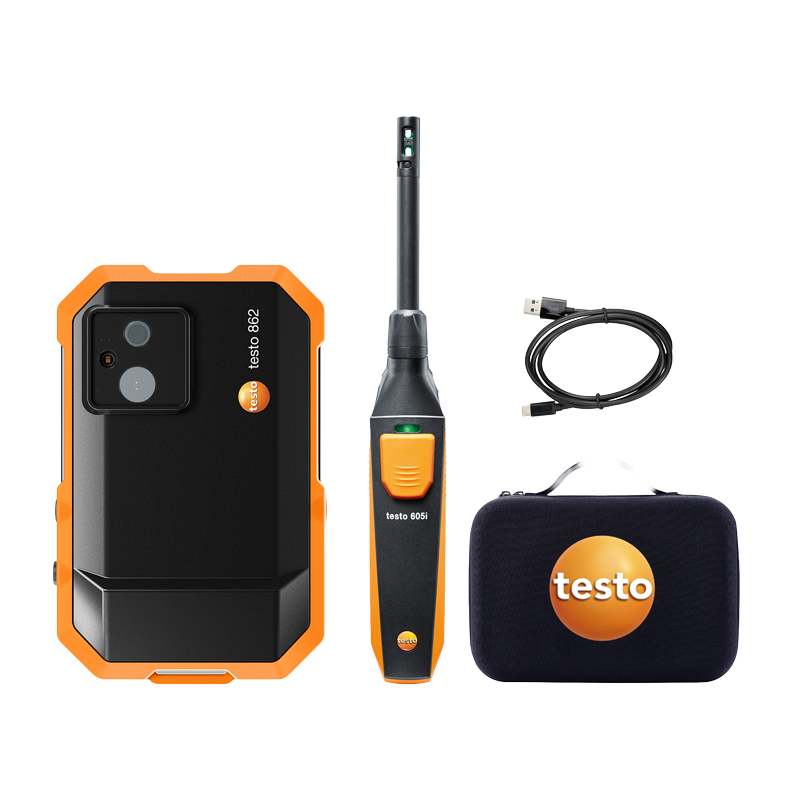
Identify moisture problems with a complete measuring kit where the testo 862-2 thermal imager is combined with the testo 605i moisture and temperature probe for wireless transfer of measurement data and efficient documentation.
- Thermal imager with 256 × 192 pixel IR resolution and Fusion technology
- Wireless connection to the testo 605i moisture and temperature probe
- Add moisture and temperature values directly to thermal images and reports
- Smart features such as Delta T, DeltaHeat, hotspots/coldspots, and moisture damage analysis
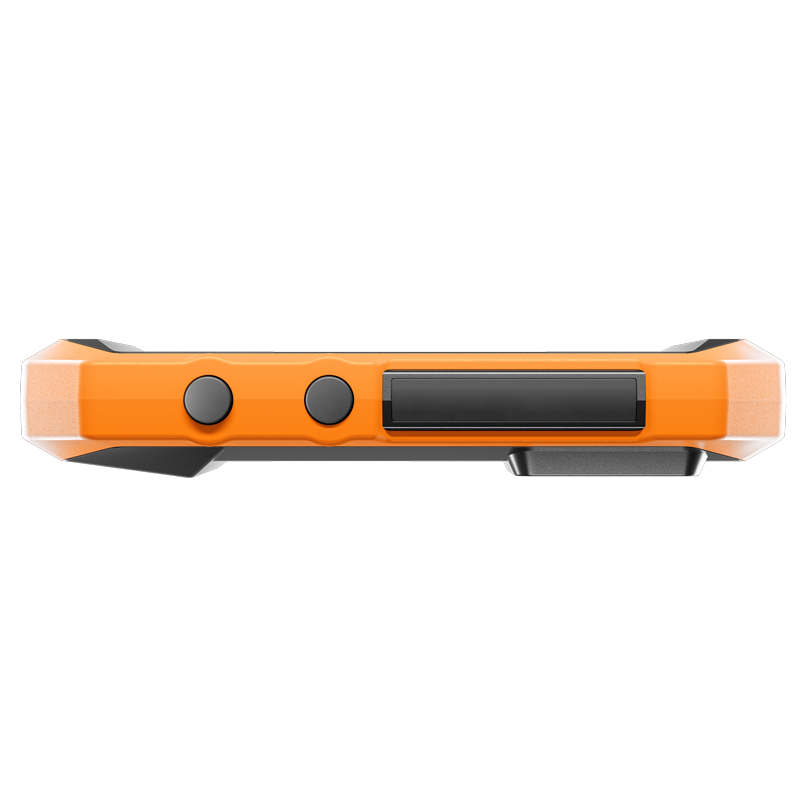
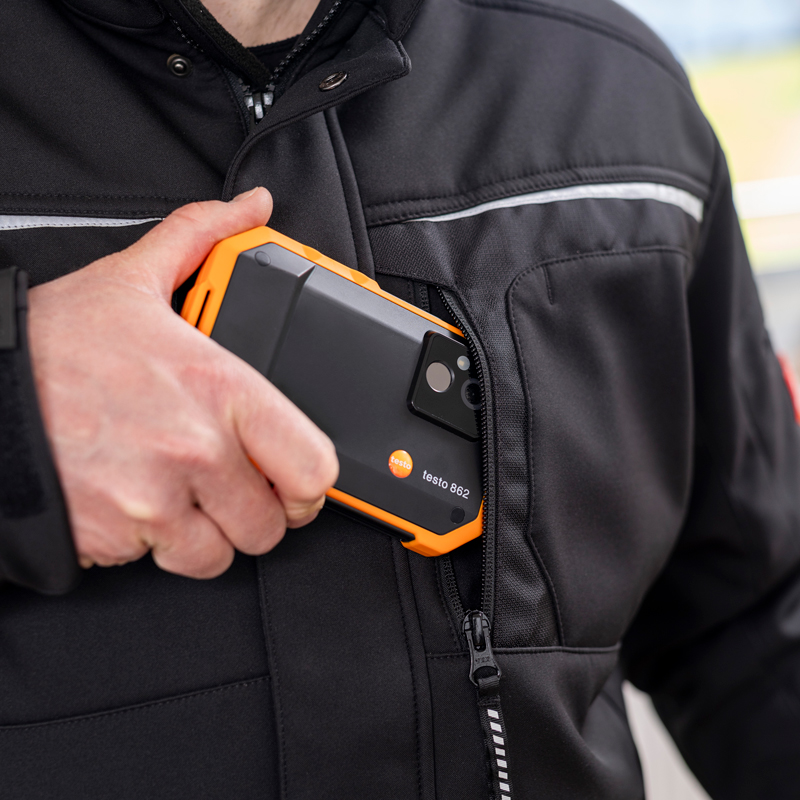
- Robust design with IP54 and drop resistance up to 1.5 m
8 795
Read more here:
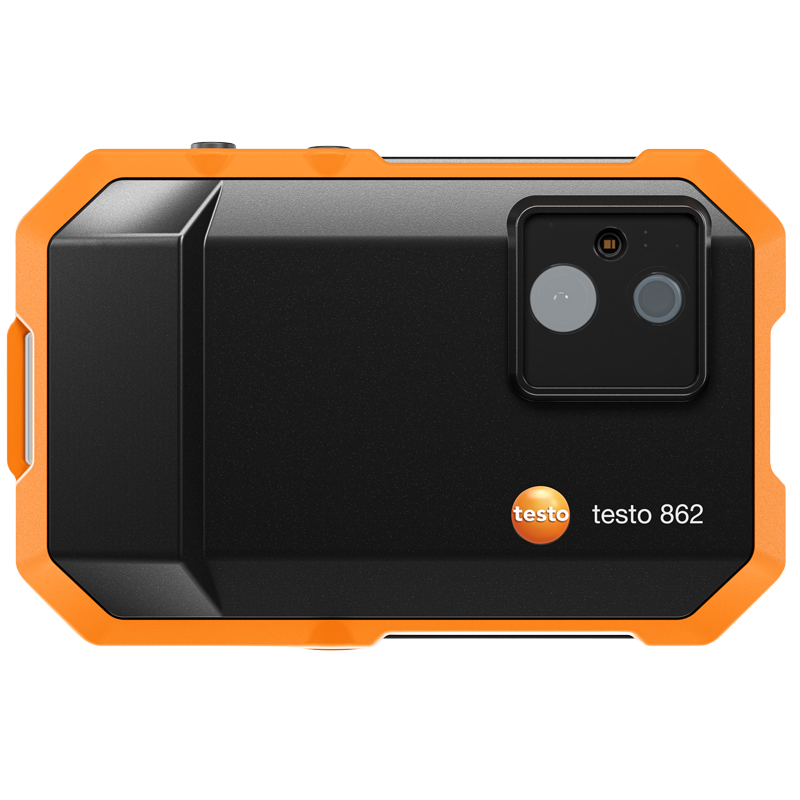
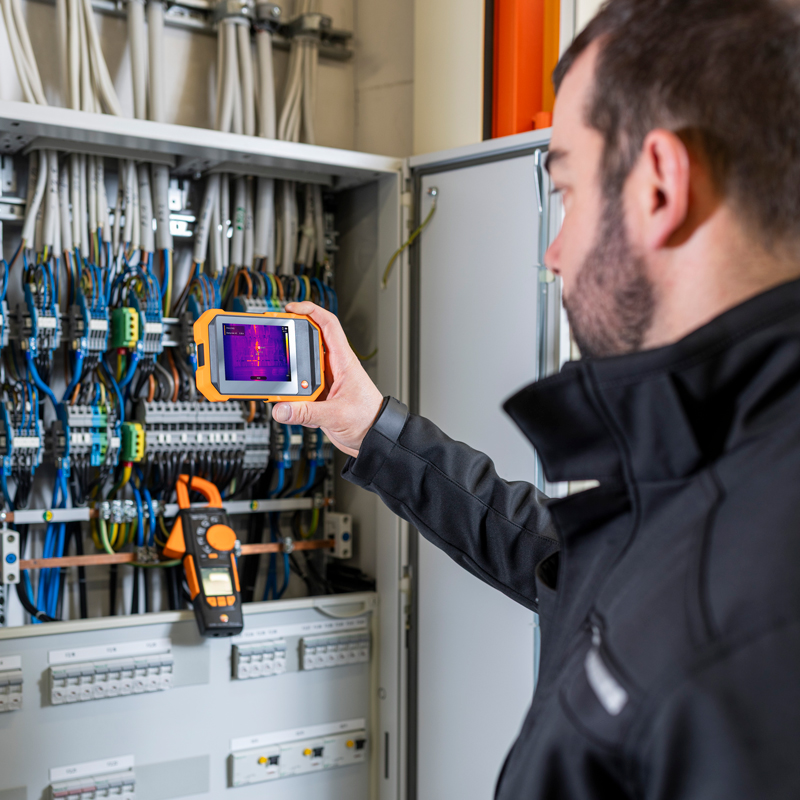
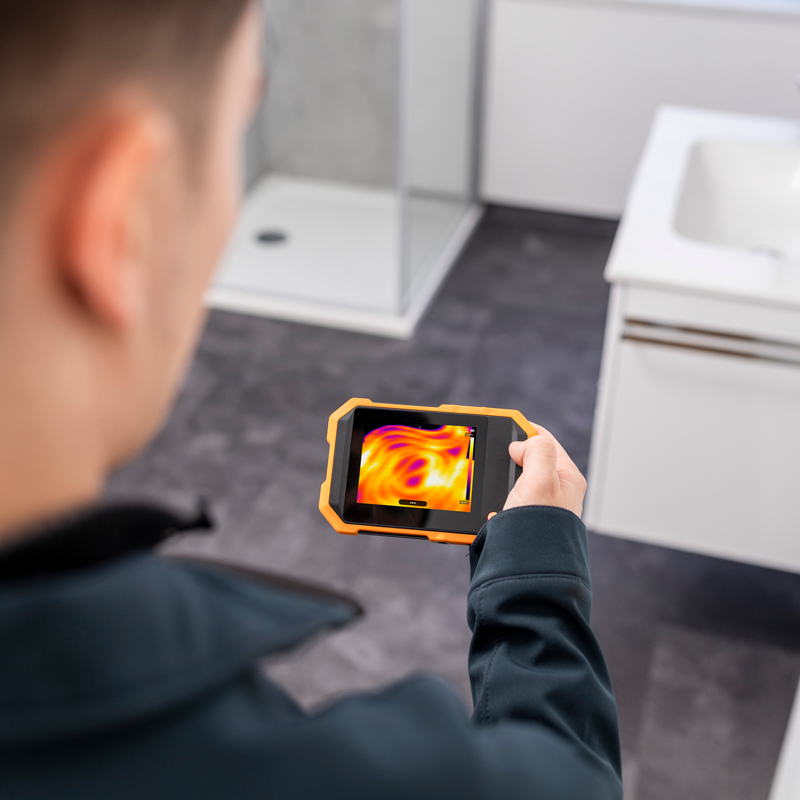
The testo 862-2 moisture damage risk measuring kit gives you thermal images and moisture data – right on site.
This measuring kit is developed for professional users in construction, property management, and damage investigation, where fast identification of moisture risks and clear documentation are crucial.
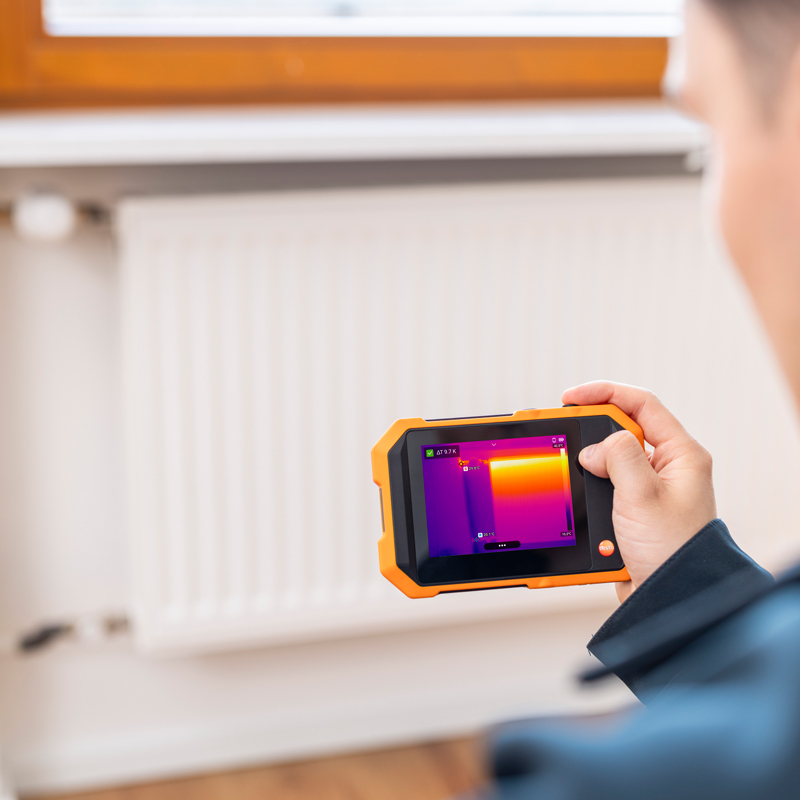
The high IR resolution of 256 × 192 pixels and high thermal sensitivity provide detailed thermal images, while the Fusion feature combines the thermal image with the visual image for easier analysis. With intelligent features such as automatic Delta T calculation, hotspot/coldspot identification, and moisture risk analysis, you get effective support that speeds up inspections and provides a more reliable basis for decision-making.
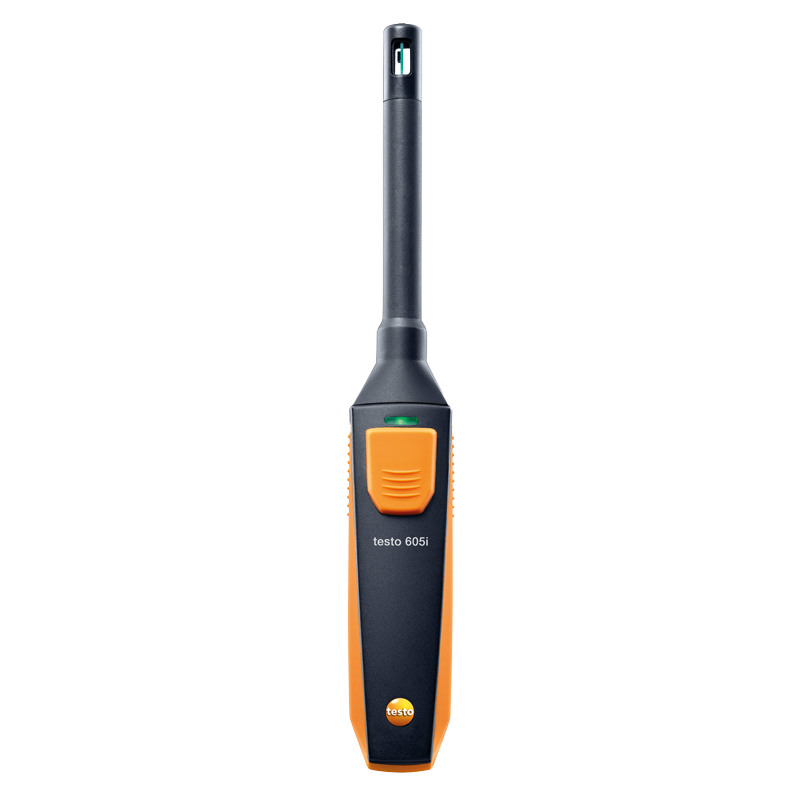
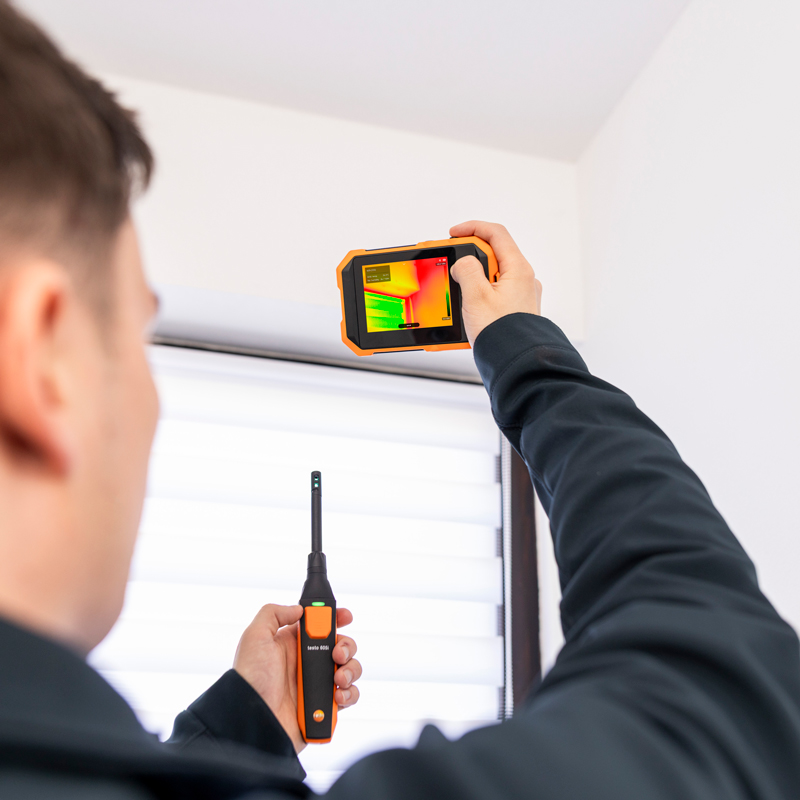
The measurement kit also includes the testo 605i humidity and temperature sensor. It transmits measurement values wirelessly to the thermal imager via Bluetooth and provides additional information when assessing areas at risk of moisture and mold. Humidity and temperature readings can be used in conjunction with the thermal images to provide a better basis for decision-making and more effective documentation.
With an IP54 rating and drop resistance of up to 1.5 meters, it’s built to withstand demanding work environments—every day.
Benefits
- Sharp thermal images – IR resolution of 256 × 192 pixels and a thermal sensitivity of < 50 mK deliver clear, detailed thermal images. The Fusion function combines thermal and real images for easier interpretation.
- Fast diagnostics – Integrated alarms, hotspot/coldspot identification, automatic Delta T calculation, DeltaHeat for analysing temperature differences, and intelligent moisture risk analysis streamline the inspection.
- Intuitive operation – A user-friendly, smartphone-like interface makes the camera easy to use from the start.
- Wireless connection – Connect the testo 605i moisture and temperature probe for more readings and smoother reporting.
- Complete measuring kit for moisture inspection – The thermal imager and the moisture and temperature probe work together via Bluetooth to provide a better basis for assessing moisture risks.
- Robust design – IP54 protection class and drop resistance up to 1.5 m ensure reliable operation even in demanding environments.
Included in delivery
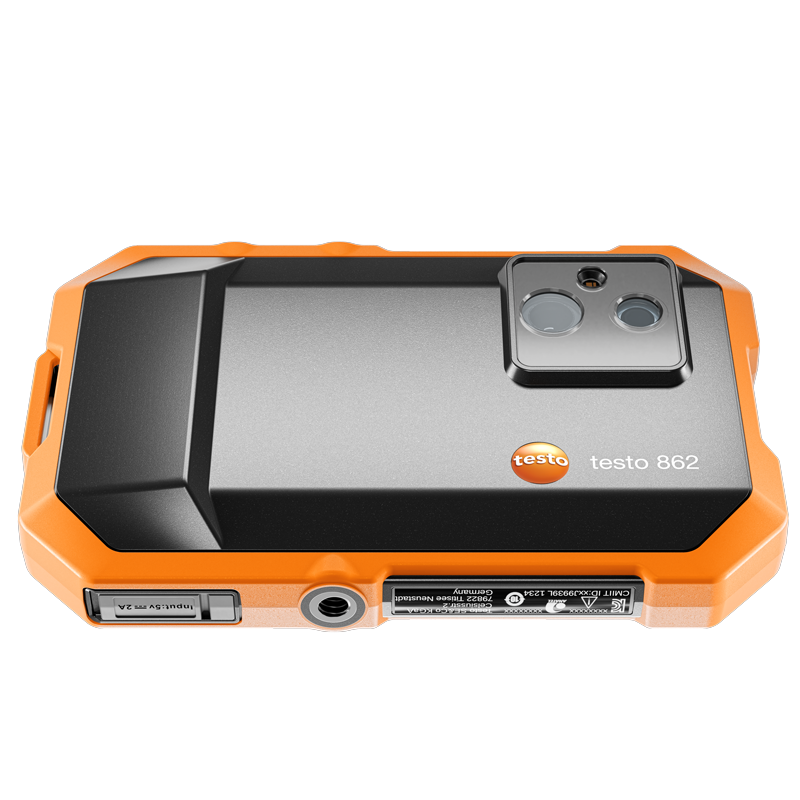
- testo 862-2 thermal imager
- testo 605i moisture and temperature probe
- Soft case
- Strap
- USB-C cable
- testo Smart App (planned during 2027 via free update)
- IRSoft – professional software for analysis, post-processing, and documentation of thermography images (free of charge)
| Infrared image output | |
| Field of view | 40° x 30° |
| Focus | Fixed focus |
| Minimum focus distance | 0,25 m |
| Image refresh rate | 25 Hz |
| Infrared resolution | 256 x 192 pixels |
| Thermal sensitivity | <50 mK at +25 °C |
| Spectral range | 8 … 14 µm |
| Visual image output | |
| Visual resolution | 2 MP |
| Minimum focus distance | 0,2 m |
| Measurement | |
| Measuring range | -10 … +550 °C |
| Accuracy | ±2 °C or ±2 % of reading (at an ambient temperature of +21… +25 °C) |
| Emission factor | 0,01 … 1 |
| Measuring function | |
| Analysis function | Hotspot, coldspot, DeltaHeat, Delta T, 5 adjustable measurement points, 3 areas of interest |
| pplication-specific measurement functions | DeltaHeat, moisture mode |
| Humidity mode – manual | Yes |
| Moisture measurement with moisture meter | Automatic transfer from testo 605i (optional) via Bluetooth to testo 862 |
| Electrical mode – manual | Yes |
| Electrical measurement with clamp ammeter | Automatic transfer from testo 770-3 (optional) via Bluetooth to testo 862 |
| Image presentation | |
| Display options | IR image / Visual image / Fusion / Picture-in-picture / humidity mode |
| Video mode: | Non-radiometric video recording in the instrument (AVI) |
| Full-screen mode | Yes |
| Colors | iron, rainbow, rainbow HC, cold-warm, blue-red, gray, inverted gray, sepia, Testo, iron HAT, moisture palette |
| Digital zoom | Yes, maximum zoom: 4,0X |
| Image file format | bmt, jpg |
| Storage capacity | 12 GB available to the user |
| Power supply | |
| Battery type | Integrated rechargeable Li-ion battery |
| Battery time | 3h at +25 °C |
| Charging options | USB-C |
| Charging time | Approximately 170 min (15 min charging of an empty battery equals 25 min operating time) |
| Ambient conditions | |
| Operating temperature | -10 … +50 °C |
| Storage temperature | -20 … +70 °C |
| Humidity | 5 … 95 %RH, non-condensing |
| Protection class | IP54 |
| Drop resistance | 1,5 m |
| Vibration | IEC 60068-2-27 med 30 g |
| Packaging vibration | ISO2247:2000-03 |
| Physical specifications | |
| Weight | 215 g (instrument only) |
| Dimensions | 135 x 88 x 25 mm |
| Tripod mount | 1/4″ UNC |
| Data interface | |
| USB | USB-C |
| WiFi | Communication with testo Smart App; WiFi: IEEE 802.11b/g/n |
| Bluetooth | Peer-to-peer communication for fast connection |
-

testo 605i – wireless moisture and temperature sensor
1 350 SKU 0560 2605 02SmartProbes for measuring moisture and temperature
- 0 … 100 %RH
- -20 … +60 °C
- Bluetooth range up to 100 m
-

testo 770-3 – clamp ammeter with power measurement (set)
2 995 SKU 0590 7703 02Current clamp ammeter with power measurement and Bluetooth
- Increased accuracy in the lower current range thanks to improved resolution
- TRMS measurement
- Automatic AC/DC for voltage and large two-line display


IRSoft 5.3 for all Testo thermal imagers
IRSoft enables you to analyze your thermal images in detail. Download the latest version of IRSoft to your PC and run the “Setup.exe” file to install the program. Please also refer to the installation tips below.
Important: To use the Testo 862 thermal imager, IRSoft version 5.3 or later is required.
If an older version of IRSoft is already on your PC, it will be updated to the latest version.
Installation tips
In most Windows versions, files are downloaded to a folder named “Downloads”. Move the downloaded ZIP file to C:/temp or directly to C:/ and extract it. Then right-click the EXE file and select “Run as administrator”. The installation will then start automatically. When everything is finished, a Testo folder should have been created in the Start menu, where you will find the new program icon.
Similar products

testo 860i – wireless thermal imaging camera, including carrying case
testo 860i Thermal Imaging Camera for Mobile Devices, including a handy carrying case.
- Easy and fast determination of Delta T in the thermal image using the application-specific measurement functions DeltaHeat and DeltaCool
- Razor-sharp thermal images thanks to high IR resolution (256 x 192 pixels)
- Everything is easy with the testo Smart app: simple handling and easy documentation via email directly at the measurement site
- Flexible handling through wireless use or one-hand operation, directly connected to a smartphone
- The testo 860i is also available for purchase without a carrying case (item no. 0560 0860)
